The fastest way to hurt yourself working from home is to work the way most people start: laptop on the kitchen table, screen far below eye level, shoulders slowly curling forward over the course of a day. It doesn't feel like anything for the first few weeks. Then one morning your neck won't turn properly, and you realise the "temporary" setup became your full-time office months ago.
You do not need to spend a fortune to fix this. You need to spend in the right order. Most people get this backwards — they buy the desk that looks good in a video call and ignore the things that actually decide whether they ache at the end of the day. Here is how I'd allocate a limited budget, having made most of the mistakes myself.
Spend on ergonomics before anything else#
If your money is limited, put it where your body meets the setup. Everything else is decoration by comparison.
A chair that supports you. This is the single most important purchase, because you spend more hours in it than on anything else you own. You don't need a famous four-figure office chair. You need one with adjustable height, real lower-back support, and armrests at a height that lets your shoulders relax. The second-hand market is your friend here — quality office chairs are built to last a decade, and they turn up used for a fraction of retail when offices close or upgrade. Sit in it before you buy if you possibly can.
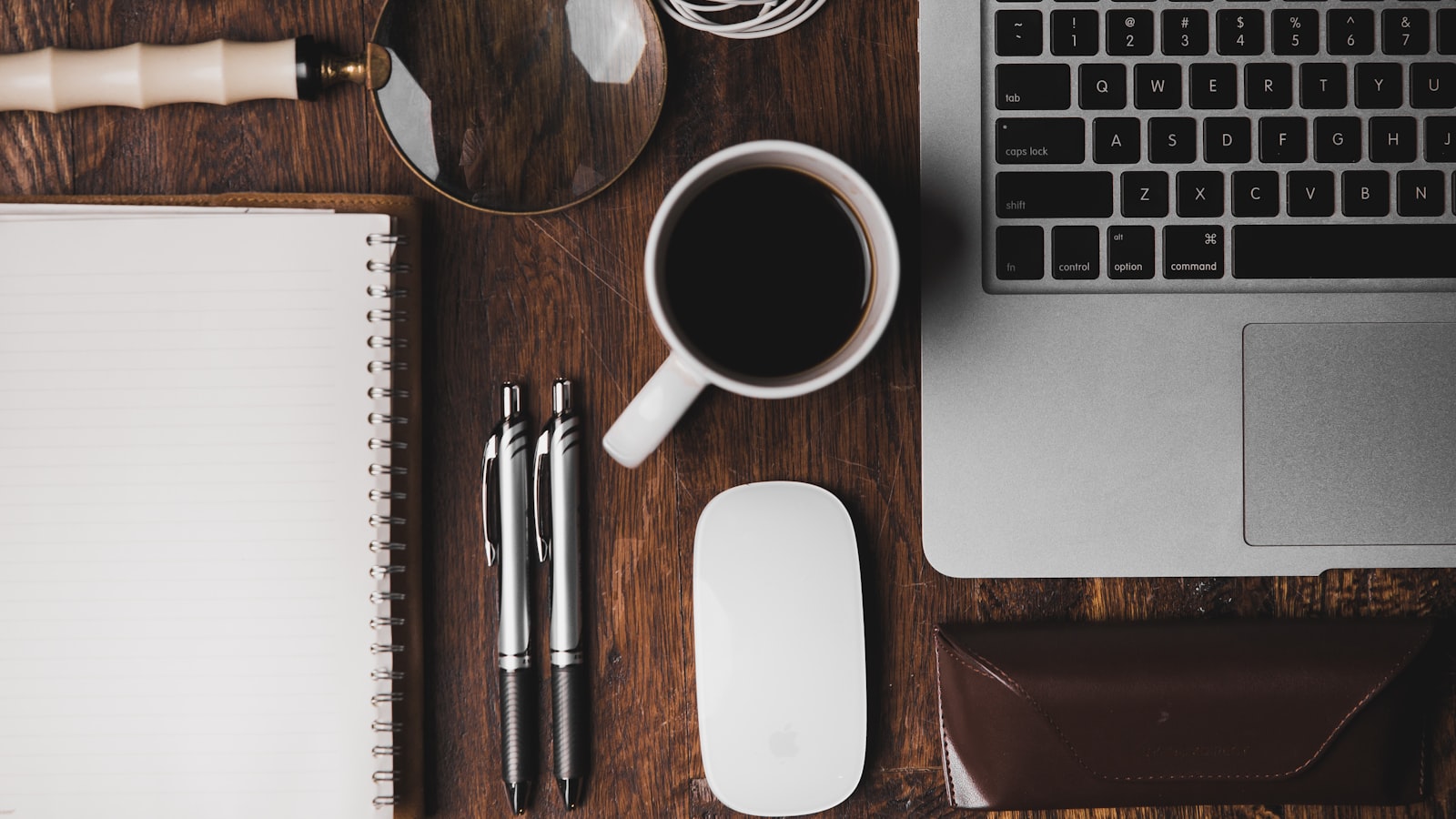
A laptop stand and an external keyboard and mouse. These three go together and they fix the worst problem with laptop work in one move. A laptop forces an impossible choice: either the screen is too low and you crane your neck down, or the keyboard is too high and your wrists suffer. You cannot fix both at once on a laptop, because the screen and keyboard are bolted together. A stand raises the screen to eye level; an external keyboard and mouse give your hands somewhere comfortable to land. The whole kit can be inexpensive and it is the highest-leverage upgrade after the chair.
The rule of thumb that has saved my neck: the top of your screen should sit at roughly eye level, and your forearms should be roughly parallel to the floor when you type. Almost every cheap fix in this guide is just a way to hit those two targets.
The cheapest version of the same fix#
You don't even need to buy the stand. A stack of sturdy books raises a laptop perfectly well — I used a hardback dictionary and two cookbooks for the better part of a year. Pair that with the cheapest serviceable external keyboard and mouse you can find, and you have solved 80% of the ergonomic problem for the price of a couple of coffees. Done is better than perfect, and your spine cannot tell the difference between a designer stand and a dictionary.
Light comes before gadgets#
Once your posture is sorted, the next thing that quietly shapes your whole workday is light, and it is wildly underrated because it doesn't come in a box you unwrap.
If you can position your desk near a window, do it — ideally so the light comes from the side rather than behind you (light behind you throws glare on the screen) or directly in front (which makes the screen hard to read against a bright background). Natural light makes you feel more alert, looks better on calls, and costs nothing. It is the best office upgrade almost nobody thinks of as one.
When natural light runs out, which it does early in winter, a single decent desk lamp matters more than you'd guess. Working in a dim room lit only by a glowing screen is tiring in a way that's hard to place until you fix it. You don't need a fancy one — you need light on your work surface and a warmer tone in the evening so you're not staring into harsh blue light an hour before bed.
A clean, low-distraction space does as much for your focus as any gadget. We go deeper on that in our guide to a distraction-free workspace, which pairs well with everything here.
What not to overspend on#
This is where budgets quietly leak. There is a whole category of purchases that look like a serious home office and do almost nothing for how your body feels at five o'clock. Be ruthless about these, especially early on.
- An expensive desk. A desk is a flat surface at the right height. A second-hand table or a cheap flat-pack does the job. Spend the saved money on the chair.
- A massive curved monitor. A second screen is a genuine productivity upgrade for a lot of work, but you do not need the enormous flagship one. A modest, used external monitor raised to eye level beats a giant one you bought instead of a chair.
- Aesthetic accessories. The plants, the desk mat, the cable-management theatre, the ring light. None of it is wrong, and a tidy space genuinely helps focus — but none of it should come before the chair, the screen height, and the light. Buy these last, with money you have left over, not money you needed for your back.
- The "smart" everything. Smart lamps, smart plugs, gadget microphones. Almost none of it changes the actual experience of working. The laptop's own camera and a quiet room are fine until you have a specific reason they aren't.
A simple gut check before any purchase: will this change how my body or my attention feels during the workday, or will it just change how my desk looks on camera? If it's the latter, it goes to the bottom of the list.
Build it up in the right order#
If you're starting from a kitchen table and a laptop, here's the order I'd actually buy in, stopping whenever the money runs out:
- Raise the screen to eye level — books today, a stand later. Free or nearly free.
- Add an external keyboard and mouse so your wrists are comfortable. Cheap.
- Get the best chair your budget allows, ideally second-hand. Your biggest single spend.
- Sort out your light — a window if you can, a decent lamp if you can't. Cheap or free.
- Add a second monitor when there's money for it. A real upgrade, not an urgent one.
- Everything else — the nice-to-haves — last, and only if you want to.
The point of building a home office is not to assemble something that looks like an office. It is to be able to work all day without your body filing a complaint by mid-afternoon. Spend on the parts that touch you, get creative with the parts that don't, and you can put together a setup that's genuinely comfortable for less than the price of one fancy chair. Your future neck will thank you for getting the order right.